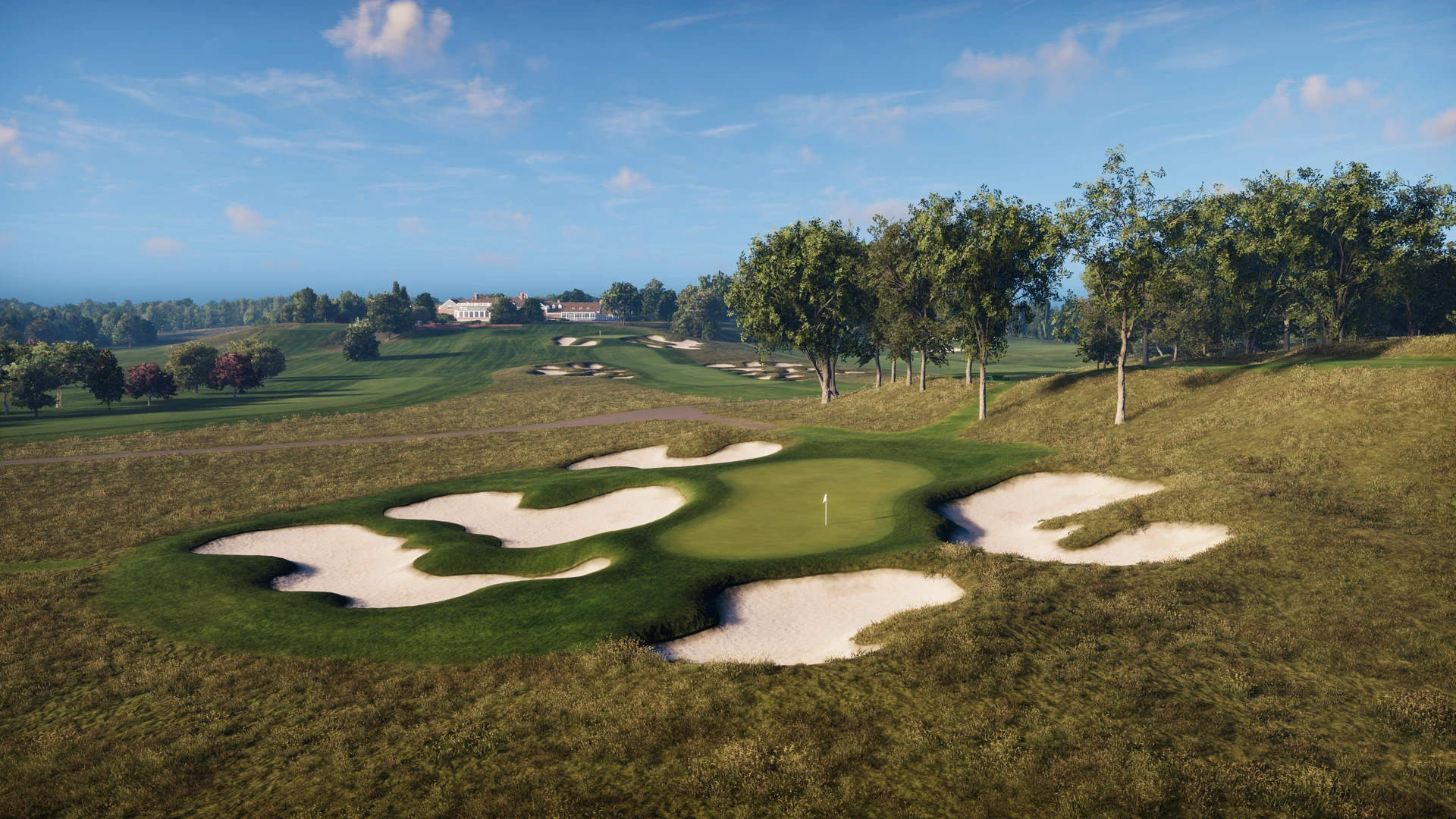
Lead image: Bethpage Black depicted in Trackman Virtual Golf. Courtesy of the authorized Trackman Media Kit. Confirm specific course availability with Birdies.
You know the hole. Before you even pull a club, you are already remembering what happened last time.
The tee shot that never quite fits your eye. The approach over trouble. The awkward distance that leaves you choosing between “too much” and “please get there.” On the course, you get one attempt before the group needs to move.
Trackman’s On-Course Practice changes the schedule. Choose a virtual hole, place the ball where the problem starts and work on that shot without playing an entire round to get back to it. For Sacramento golfers, a visit to Birdies can become a chance to explore a decision you normally have only a few seconds to make.
Choose a tee shot, approach or recovery to practice
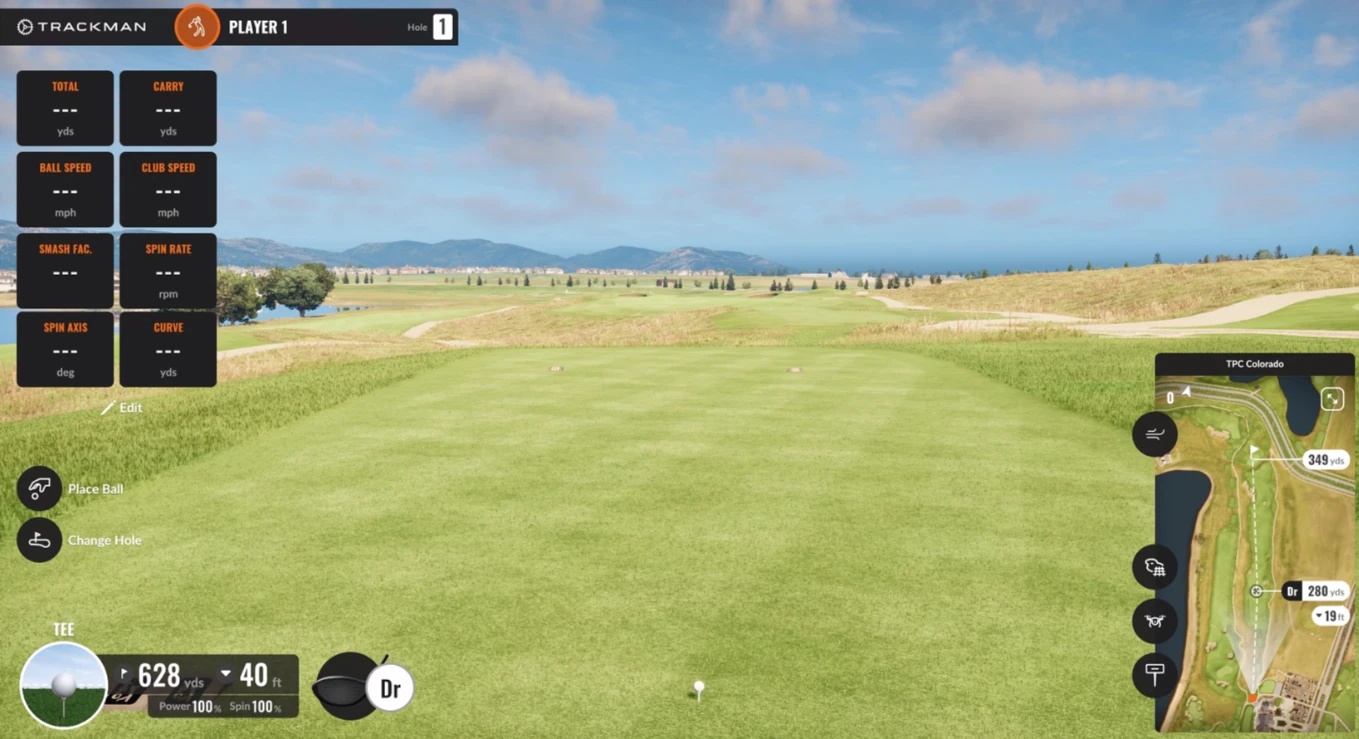
Trackman’s current help page describes moving the ball to different locations on a selected hole and adjusting environmental and viewing settings. That means the session can center on a specific approach or recovery rather than an uninterrupted stream of full swings. See the official On-Course Practice guide.
You might decide to work on an approach with trouble short. Or a tee shot where you need to choose a safe side. If your own course is unavailable, choose a similar problem from the installed library. Similar is useful; calling a different hole an exact recreation would not be.
Compare targets before changing your swing
Here is a simple experiment: keep your club and swing intention the same, then choose a more generous target. Notice where the whole group of shots finishes. Does the safer line leave more playable outcomes? Does the aggressive line need your best contact to work?
You are exploring a decision, not proving a theory with one great ball. If you want technical swing changes, work with a qualified coach. A simulator gives you feedback; it does not automatically tell you which change is right for your swing.
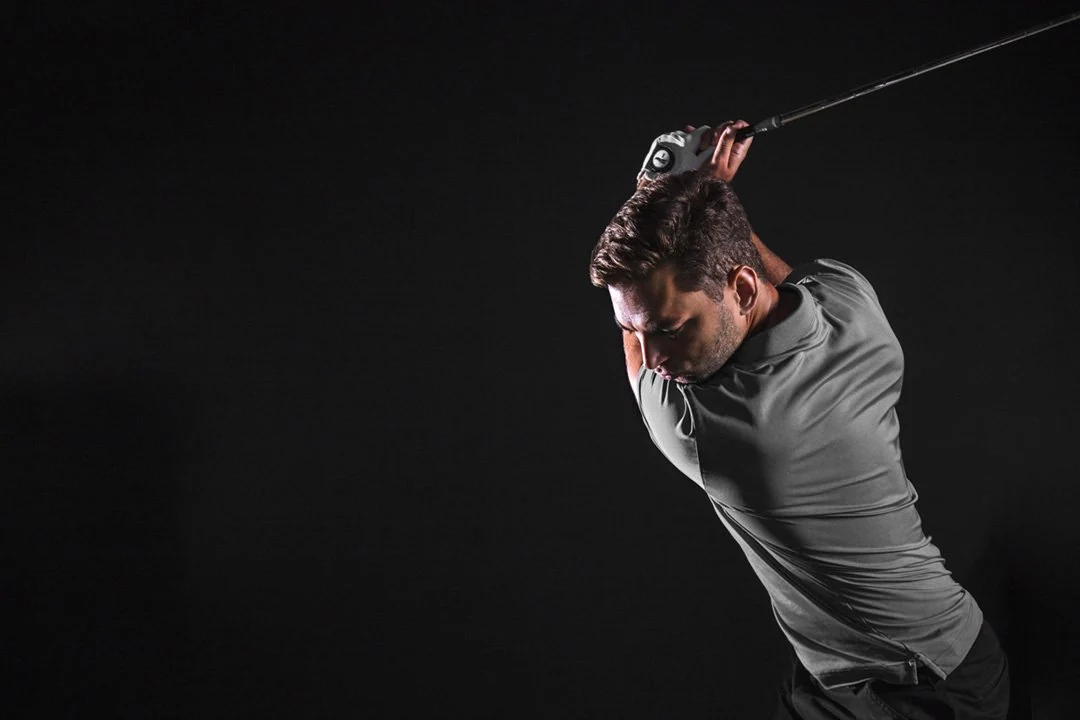
A three-location On-Course Practice exercise
Try this Birdies practice plan. It is an example you can adapt, not a Trackman test or a promised score improvement.
- Start with the familiar shot. Choose one target and observe several attempts.
- Move the ball. Change the approach distance or angle. Make a fresh club-and-target decision.
- Choose a third position. Keep the same overall problem, but remove the comfort of repeating an identical swing.
- Finish with one attempt. Pick a position you have not just rehearsed. Go through your routine and record what happened.
The last ball is worth paying attention to. Consecutive attempts can let you settle into a rhythm. A changed situation asks a different question: can you make a decision without several calibration shots first? Trackman’s practice discussion with coach Peter Arnott emphasizes this difference between repeated success and performance that transfers to a new situation.
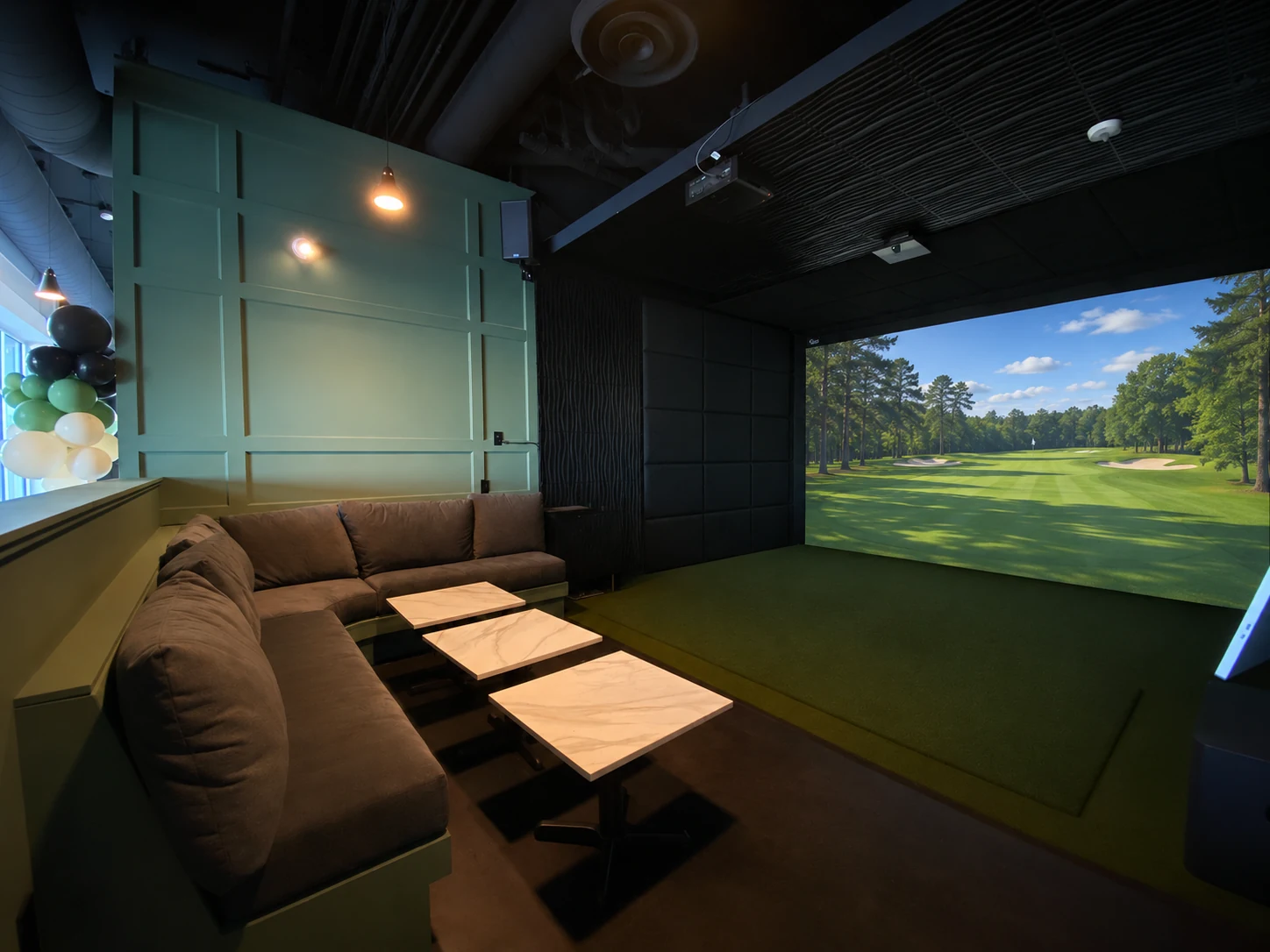
Keep simulator conditions consistent
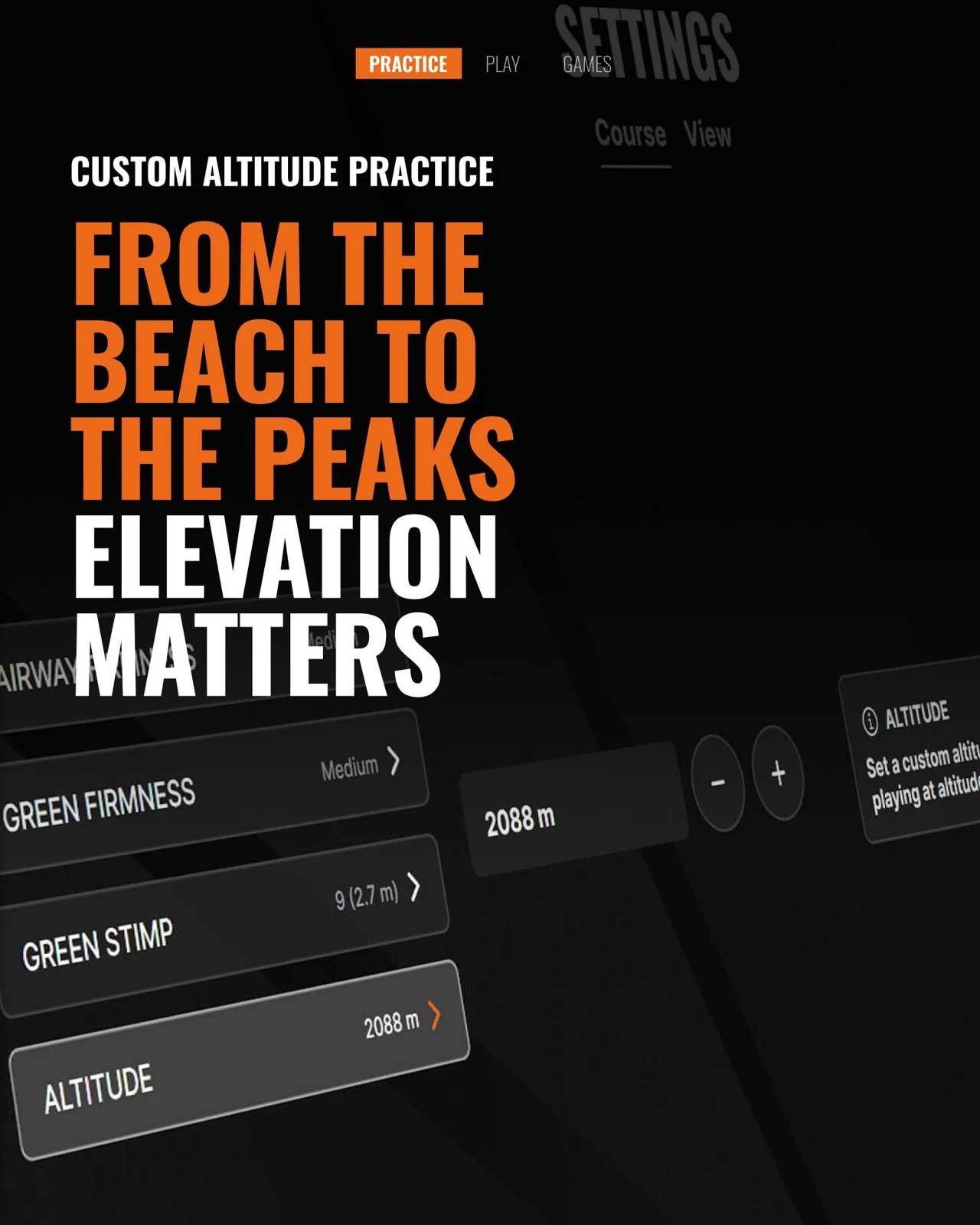
A practice comparison is easier to interpret when you know what changed. Trackman supports environmental adjustments; changing altitude or other conditions between attempts can make a distance comparison less useful.
- Keep units consistent.
- Note the relevant conditions before comparing distances.
- Change one part of the task deliberately, then describe what you noticed.
What Trackman iO measures during indoor practice
Trackman specifies a high-speed camera operating at up to 4,600 frames per second in the iO, alongside radar tracking. That helps explain how a real swing in a short indoor space can produce detailed feedback. It does not mean the machine will choose your target or fix your game for you. Trackman iO technical specifications.
For a more scoring-oriented exercise, Trackman’s separate Performance Center can compare outcomes with selected handicap groups or tour benchmarks. That is a different mode from simply replaying a hole; ask which setup fits the practice you want. Read Trackman’s Performance Center explanation.
Record your practice notes before ending the session
One detail worth knowing: Trackman’s current help page says On-Course Practice sessions do not sync to the cloud. Make a short note of the situation, settings, target and takeaway before ending the session. Do not assume every attempt will appear in your app later.
Then take the idea back to the course. Outdoor lies, weather and the pressure of keeping a round moving still matter. Treat the bay as a place to investigate a problem and arrive at your next round with a clearer plan.
Birdies is at 805 Riverfront Street, West Sacramento. Standard bays are $60/hour, up to eight people; VIP bays are $80/hour, up to 14. Food, drinks and any additional applicable charges are separate. For a particular mode or course, confirm availability before booking.
Sources & further reading
- Trackman Help: On-Course Practice and cloud-sync limitation
- Trackman: guide to Performance Studio
- Trackman Talks: practice and transfer
- Trackman iO specifications
Technical details checked November 5, 2026. Software features depend on the installed version and setup. TRACKMAN® and the Tracer Logo are registered trademarks of Trackman A/S.