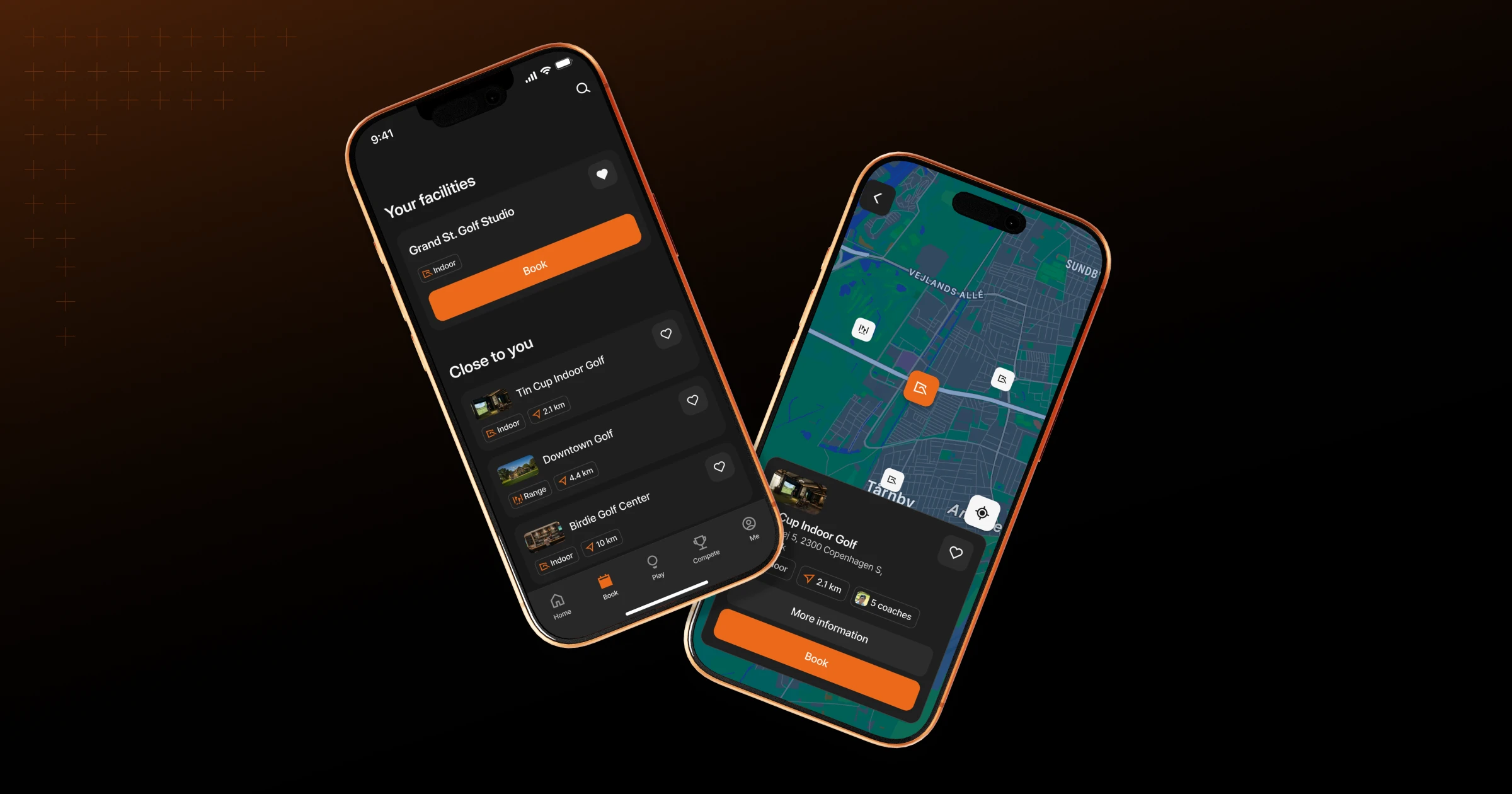
Indoor Golf Explained · Lead image shows Trackman’s virtual Lofoten Links course. Courtesy of Trackman.
The least interesting part of playing a course in Norway is standing in West Sacramento while your foursome scrolls past it three times. Pick the course on your phone before you leave home, and the first decision in the bay can be who tees off.
Can you set up a Trackman round before you arrive?
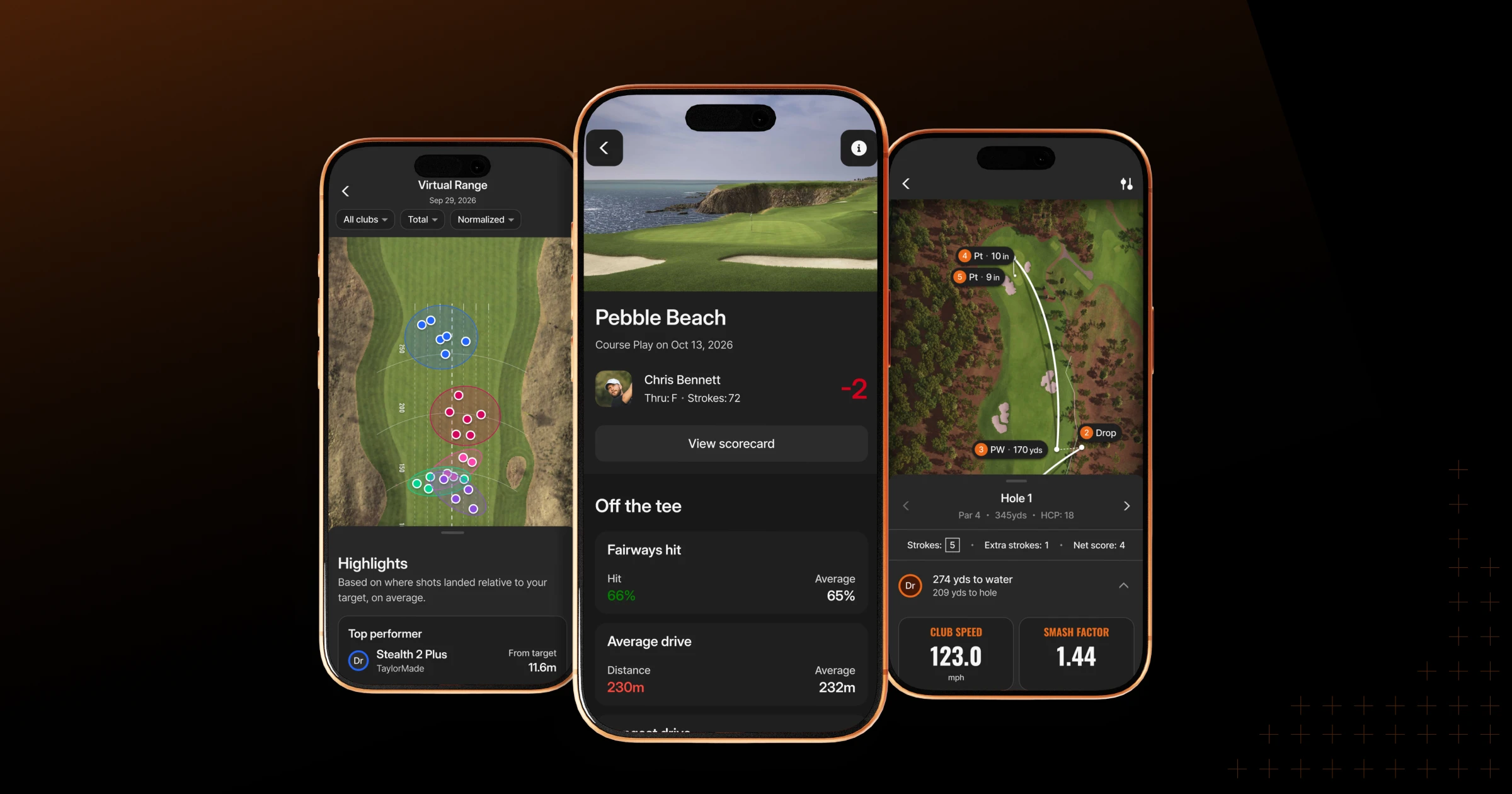
Yes. Use Planned Rounds in the Trackman Golf app to choose a course, set up your round and save it. At a compatible simulator, sign in with the same Trackman account and load it from My Activities → Planned Rounds. Trackman lists TPS 9.2 or newer as a requirement. If you’re coming specifically to use the feature or play a particular course, check with Birdies first.
Make the three decisions that eat up tee time
- The course. Pick somewhere the group wants to see. Our Trackman course guide is a place to start.
- The tees and number of holes. Choose a setup your group can enjoy at its pace. With a mix of first-timers and regulars, leave room for swings, snacks and a bit of coaching.
- How to putt. Decide whether everyone wants to finish on the greens. If you’re putting manually, learn how to read the green grid before the first putt.
Save it on your phone
- Open the Trackman Golf app and find My Planned Round.
- Select a course and adjust the settings for the round.
- Give it a name you’ll recognize in the bay and save it.

Load it when you get to the simulator
- Use Quick Login in the app to sign into the simulator with the same account you used to save the round.
- Open My Activities → Planned Rounds.
- Select your saved round and check the setup before the first tee shot.


Does a Planned Round reserve a bay?
No. It saves how you want to play. Explore Birdies’ indoor golf bays to choose a time. If it’s your first time in a simulator, here’s what happens in that first hour.
TRACKMAN® and the Tracer Logo are registered trademarks of Trackman A/S.